
Office Chair Height, Armrest & Backrest Explained: A Simple Ergonomic Guide
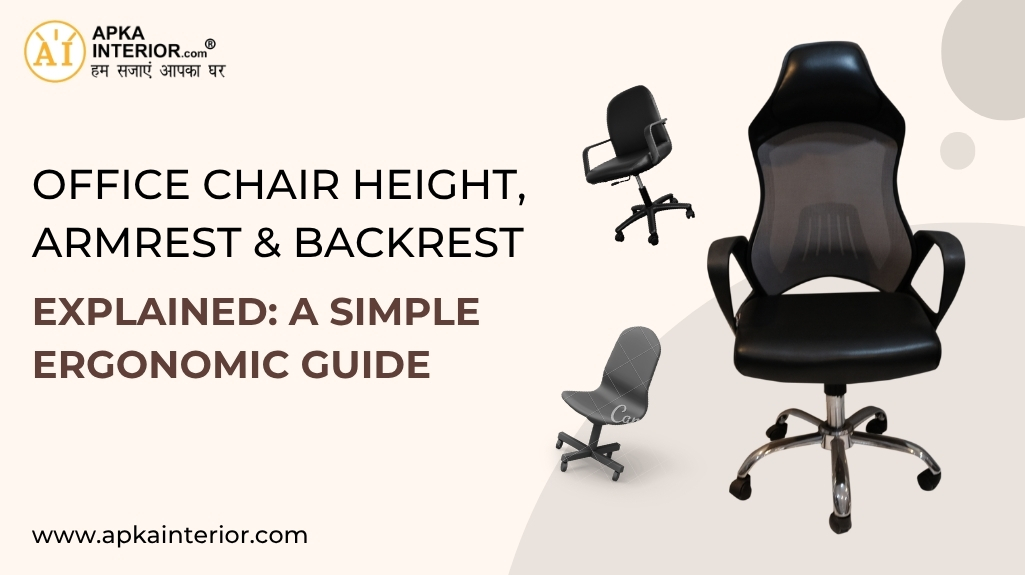
our body during long working hours. This ergonomic chair guide breaks down these essentials in a structured way so that even beginners can set up their chair correctly without confusion.
1. Why Office Chair Adjustment Matters More Than Most Realize
Sitting for extended periods places continuous pressure on the spine and joints. Without proper alignment, even a high-quality office chair can lead to discomfort and fatigue.
Correct office chair adjustment helps in three key ways:
- Supports Natural Spine Alignment
Keeps the back in a neutral position, reducing stress on the lower spine. - Improves Blood Circulation
Proper seat height and posture prevent pressure on thighs and knees. - Reduces Muscle Fatigue
Balanced support allows the body to relax instead of constantly compensating.
A chair does not improve posture automatically. It needs to be adjusted to match the user.
2. How to Set the Correct Office Chair Height
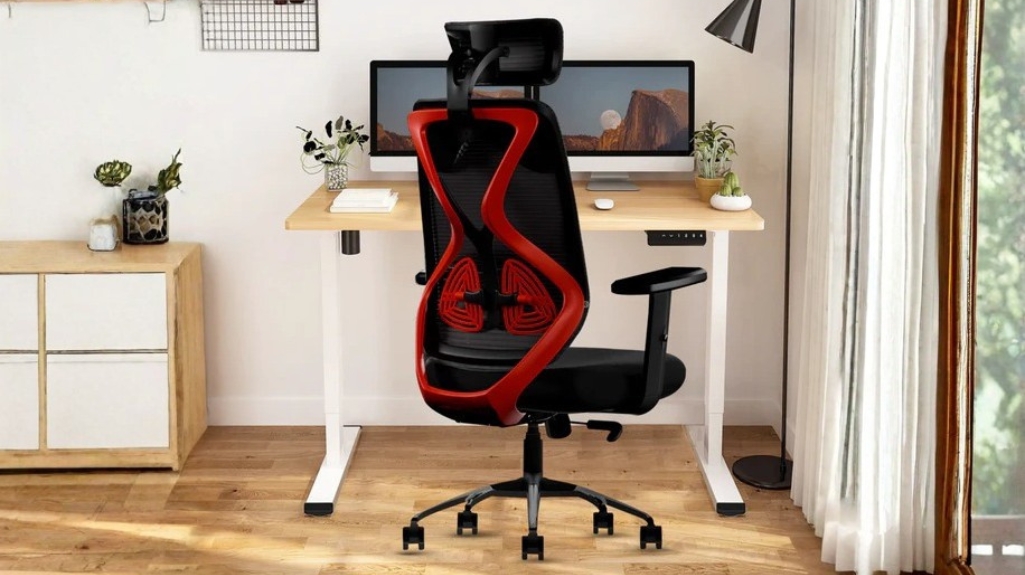
Chair height is the foundation of ergonomic sitting. If this is wrong, every other adjustment becomes less effective.
2.1 Ideal Sitting Position
The correct height ensures that:
- Feet are flat on the floor
- Knees are at or slightly below hip level
- Thighs remain parallel to the ground
This position reduces pressure under the thighs and supports proper circulation.
2.2 Step-by-Step Height Adjustment
- Sit fully back in the chair
- Adjust the height so your feet rest naturally on the floor
- Ensure there is a small gap between the back of your knees and the seat edge
Avoid sitting too high, which creates pressure under the legs, or too low, which strains the hips.
3. Understanding Armrest Positioning and Support
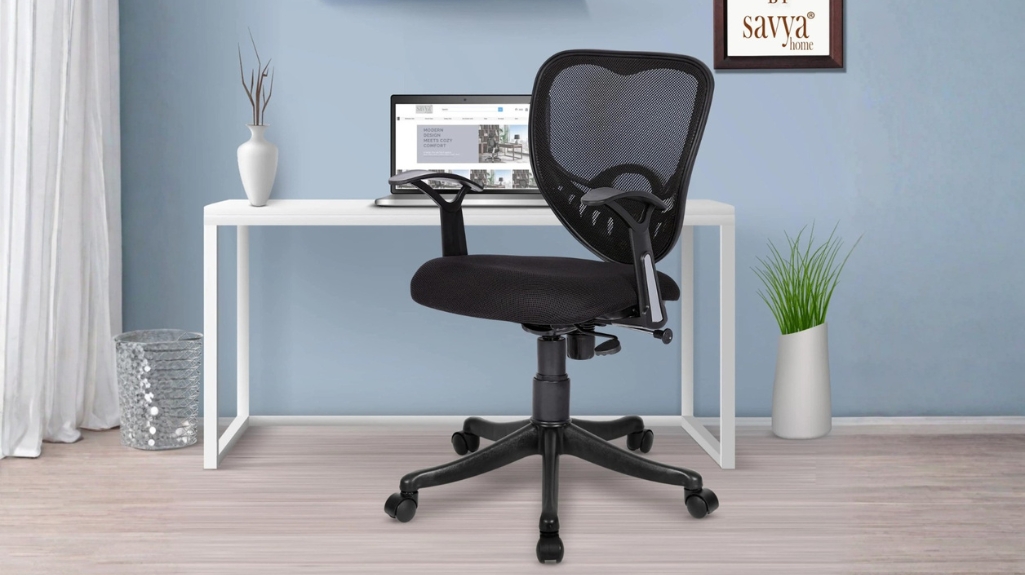
Armrests are often ignored or used incorrectly, yet they play a major role in reducing shoulder and neck strain.
3.1 What Proper Armrest Height Looks Like
Your arms should rest lightly on the armrests without lifting your shoulders. The elbows should form roughly a 90-degree angle.
Incorrect positioning leads to:
- Raised shoulders if armrests are too high
- Slouching if armrests are too low
3.2 Adjusting Armrests for Daily Use
- Sit upright with your back supported
- Adjust armrests until your forearms rest naturally
- Keep wrists straight while typing
Armrests should support your arms, not carry your body weight.
4. Backrest Angle and Lumbar Support Explained
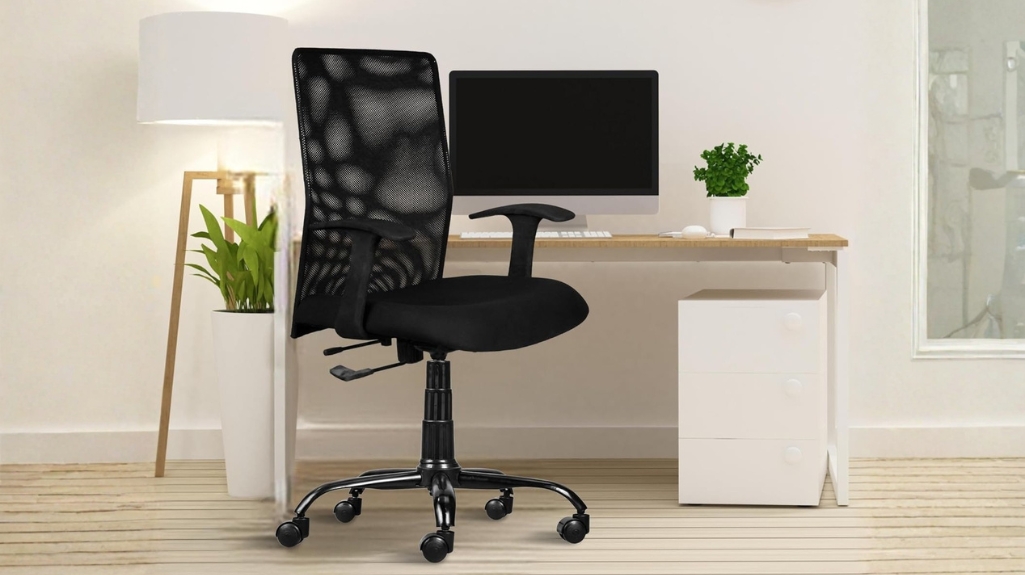
The backrest is where most of the body weight is distributed, making it one of the most important parts of an office chair.
4.1 Ideal Chair Back Angle
A slight recline is better than sitting perfectly upright all the time.
Recommended range:
- 100 to 110 degrees for general work
- Slightly more reclined for reading or relaxed tasks
This angle reduces pressure on the lower back while maintaining focus.
4.2 Importance of Lumbar Support
The lower back has a natural inward curve. Without support, this curve collapses, leading to strain.
Key points:
- The lumbar support should align with your lower spine
- It should feel supportive, not forceful
- Adjust it based on your height and sitting position
Understanding the correct chair back angle helps maintain long-term spinal health.
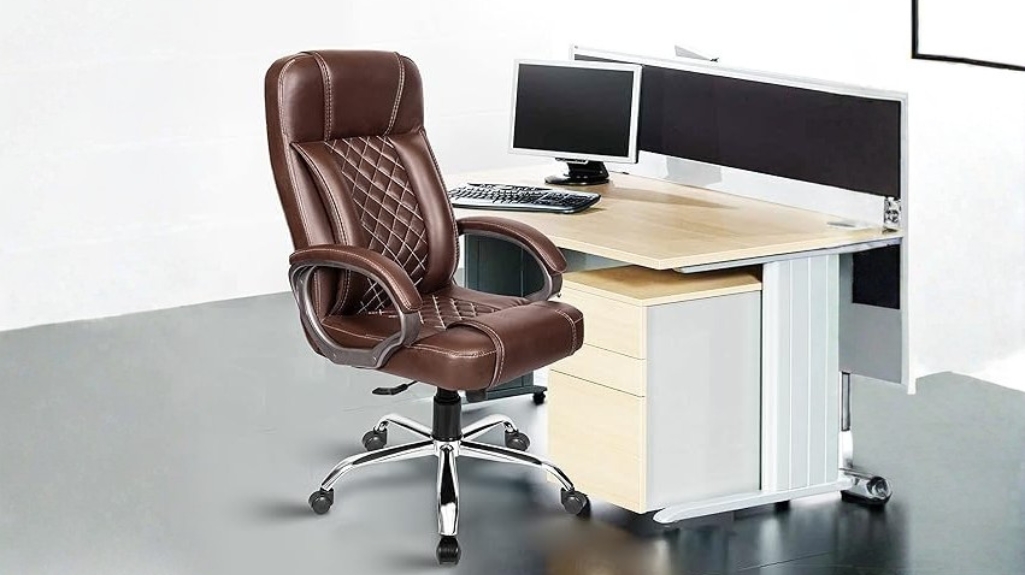
5. Seat Depth and Sitting Position Basics
Seat depth is rarely discussed, yet it directly affects comfort and posture.
5.1 Correct Seat Depth
There should be a small gap, roughly two to three fingers, between the edge of the seat and the back of your knees.
If the seat is too deep:
- It pushes you forward, reducing back support
If too shallow:
- It does not support the thighs properly
5.2 Proper Sitting Alignment
- Sit all the way back against the backrest
- Keep your spine aligned with the chair
- Avoid perching on the edge of the seat
These simple sitting posture tips improve both comfort and productivity.
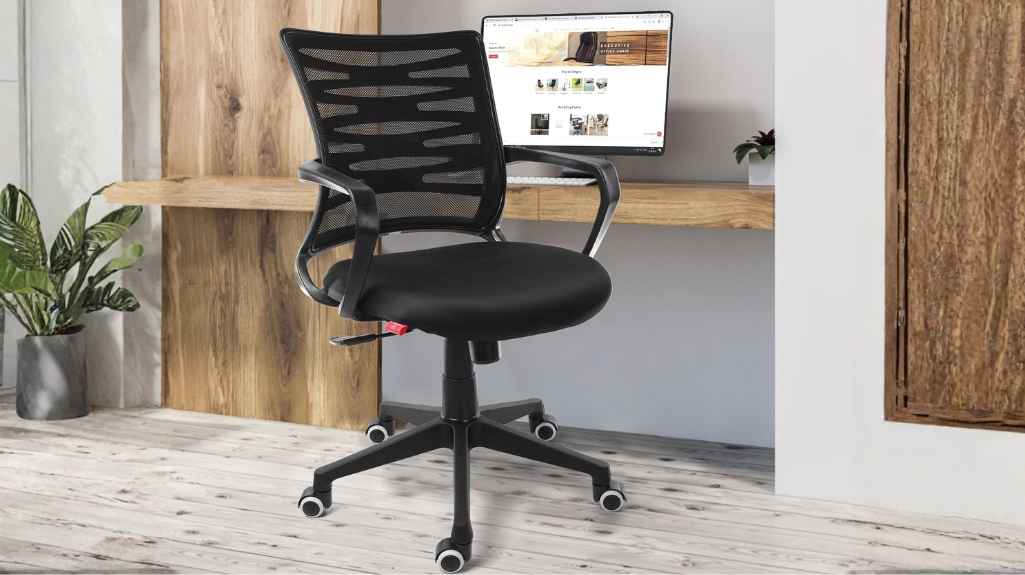
6. Common Mistakes People Make with Office Chairs
Even with adjustable chairs, incorrect habits can lead to discomfort.
6.1 Frequent Adjustment Errors
- Setting the chair too high or too low
- Ignoring armrest positioning
- Keeping the backrest completely upright for long hours
6.2 Posture-Related Mistakes
- Leaning forward without back support
- Crossing legs for extended periods
- Sitting in the same position without movement
Awareness of these mistakes is an important part of any ergonomic chair guide.
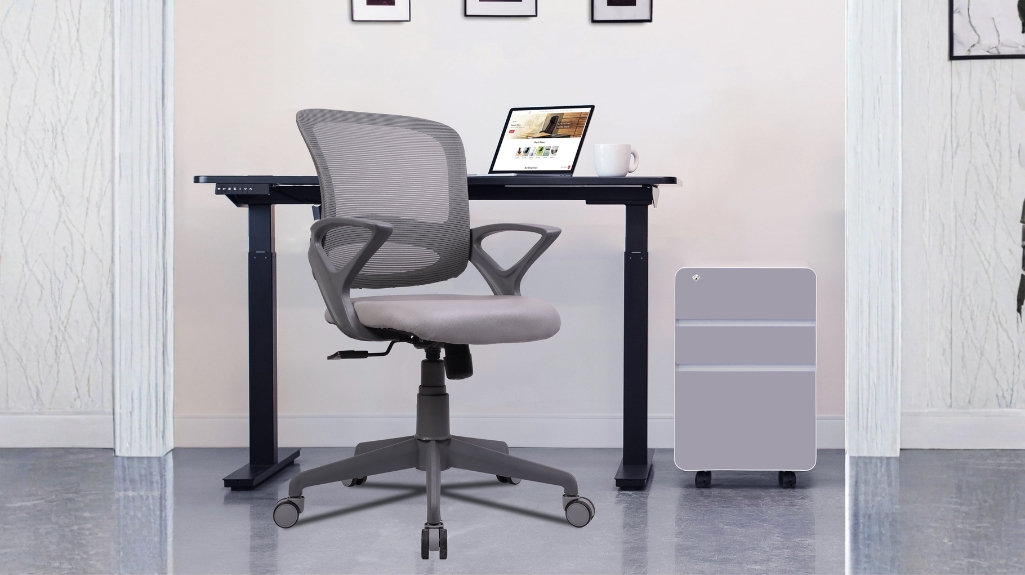
7. Quick Daily Checklist for Better Ergonomics
A simple routine can help maintain proper posture throughout the day.
- Feet flat on the floor
- Knees aligned with hips
- Back fully supported by the chair
- Shoulders relaxed, not raised
- Screen positioned at eye level
Small corrections made consistently prevent long-term discomfort.
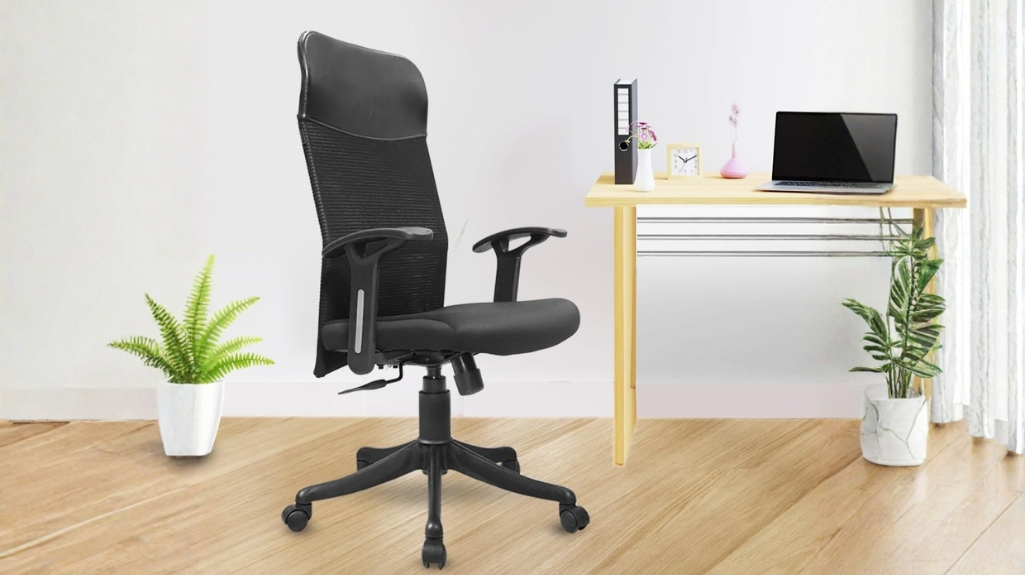
8. How Proper Chair Setup Improves Work Efficiency
Ergonomics is not only about comfort. It directly affects how efficiently you work.
8.1 Physical Benefits
- Reduced back and neck pain
- Better posture over time
- Less fatigue during long working hours
8.2 Productivity Benefits
- Improved focus due to reduced discomfort
- Fewer breaks caused by strain
- More consistent energy levels
A properly adjusted office chair becomes a support system rather than a source of distraction.
Final Thoughts
An office chair is only as effective as the way it is set up. Small adjustments in height, armrests, and backrest angle can completely change how the body feels after a full day of work.
Following a structured office chair adjustment approach, combined with practical sitting posture tips, ensures that comfort and support are maintained consistently. These are not one-time settings but habits that should be reviewed and corrected regularly.
Ergonomics is not complicated. It is simply about aligning the chair with the body in a way that feels natural, stable, and sustainable over long periods of use.